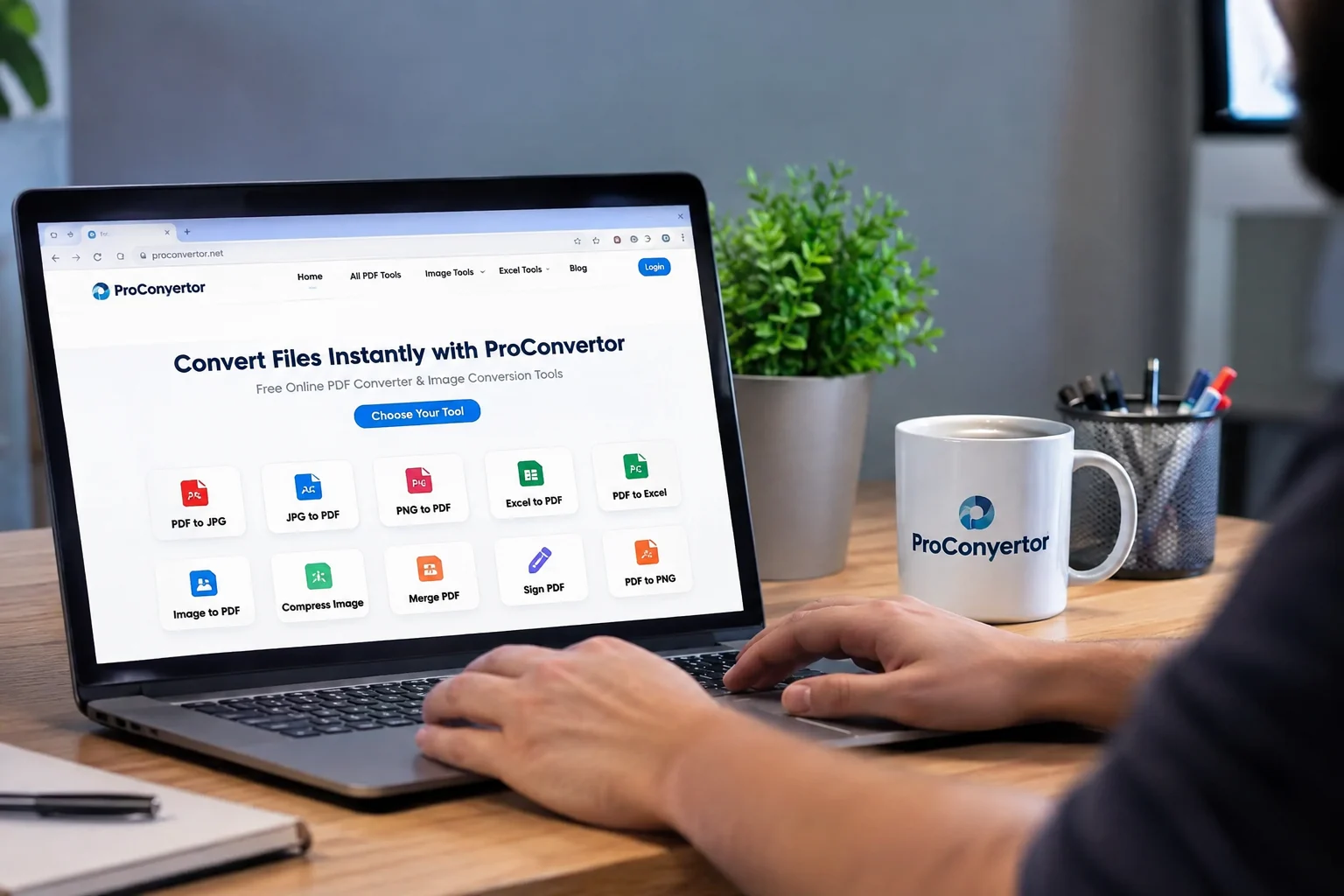
Converting files is a common part of work, study, and everyday digital tasks. A document may need to be changed into PDF format, an image may need to be converted into another file type, or a large file may need to be compressed before sharing.
Traditionally, these tasks often required downloading separate desktop programs. However, online tools now provide a simpler way to handle many file-related tasks.
ProConvertor makes it easier to convert files without installing software by providing online conversion tools that can be accessed directly through a web browser.
Why Install Software for Simple File Conversion?
Many desktop conversion programs require installation before you can use them. You may also need to download updates, manage storage space, or install different programs for different file formats.
For example, one program might convert Image to PDFs while another handles Excel files. If you regularly work with different formats, managing multiple applications can become inconvenient.
Online conversion offers another option. Instead of installing software, you can open the required tool, upload your file, and complete the task online.
How ProConvertor Helps You Convert Files Without Installing Software
ProConvertor brings different file conversion tools together in one online platform. You can access the tools through your browser rather than downloading a separate application for every conversion task.
This makes it easier to Convert Files Without Installing Software when you need a quick solution.
The process is straightforward:
-
Open the required ProConvertor tool.
-
Upload your file.
-
Select or confirm the conversion.
-
Process the file.
-
Download the converted file.
This approach can save time when you only need to perform a quick conversion.
Convert PDF Files Online
PDF is a widely used format for creating, sharing, and storing digital documents. However, there are situations where you need the information in another format.
For example, you may need to turn a PDF page into an image for use in a presentation or another digital project.
With PDF to JPG, you can convert PDF pages into JPG images online without installing a separate desktop converter.
You can also convert PDF files into Excel when you need to work with tables or data. The PDF to Excel tool can help turn PDF information into an editable spreadsheet.
Convert Images Without Installing Software
Images are another common file type that people need to convert.
You may have a PNG image that needs to be included in a PDF document, or you may need to reduce the size of an image before uploading it.
With ProConvertor, you can perform these tasks online instead of searching for and installing image conversion software.
For example, Compress Image can help reduce the size of supported image files, making them easier to upload, email, or share.
No Need to Manage Multiple Programs
One advantage of online file conversion is convenience.
If you install separate software for every task, your computer can quickly become filled with programs that you may only use occasionally.
An online platform allows you to access different tools when you need them. This can be particularly useful for students, freelancers, businesses, and anyone who regularly handles different file formats.
Instead of asking, "Which program do I need to install?" You can quickly choose the right online tool and get started.
Useful for Work and Everyday Tasks
The ability to Convert Files Without Installing Software can be useful in many situations.
For Students
Students may need to convert documents, images, or assignments into specific formats before submitting them. Online tools can make these tasks easier when there is no need to install additional software.
For Businesses
Businesses often work with PDFs, spreadsheets, presentations, and images. Online conversion tools can help employees handle routine file tasks without installing multiple programs on their computers.
For Freelancers
Freelancers may receive files in different formats from different clients. Having online conversion tools available can make it easier to prepare files for delivery.
For Everyday Users
Even simple tasks, such as reducing an image before uploading it or converting a document into PDF, can be completed more conveniently with an online tool.
Why Browser-Based Conversion Can Be Convenient
Browser-based tools provide several practical benefits.
No software installation: You can access the tool through your browser instead of downloading a dedicated program.
Less storage usage: You do not need to keep multiple conversion programs installed on your device.
Easy access: You can open the required tool whenever you need it.
Simple workflow: Uploading and converting a file can usually be completed in a few steps.
Multiple tools in one place: You can handle different file conversion tasks through the same platform.
Do You Always Need Desktop Software?
Not necessarily. Desktop software can still be useful for advanced editing or situations where offline processing is required. However, for many straightforward conversion tasks, an online tool can be a convenient alternative.
If your main requirement is to quickly convert, compress, or process a supported file, an online platform can help you complete the task without adding another program to your computer.
Convert Files Without Installing Software With ProConvertor
File conversion does not have to involve downloading a separate application for every task. ProConvertor provides browser-based tools that make common PDF, image, and document tasks easier to handle.
Whether you need to convert a PDF into an image, extract information into Excel, or reduce an image file size, you can access the appropriate tool online.
If you want a simple way to Convert Files Without Installing Software, explore ProConvertor all tools and choose the tool that matches your file.
Frequently Asked Questions
Can I convert a file from any computer?
If the required ProConvertor tool is supported by your browser and device, you can access it online without installing a conversion program.
Is online conversion useful for occasional file tasks?
Yes. Online conversion can be especially convenient when you only need to convert a file occasionally and do not want to install software that you may rarely use.
Can I use different conversion tools from the same platform?
Yes. ProConvertor provides multiple tools for PDF, image, and Excel-related file tasks, allowing you to choose the tool based on the format you need.
What is the benefit of not installing conversion software?
You can avoid downloading and maintaining separate programs for simple conversion tasks while keeping your device free from unnecessary software.
Can online conversion be useful when working on different devices?
Yes. Browser-based tools can be convenient when you work across different supported devices because you can access the required tool through the web rather than relying on a particular installed program.