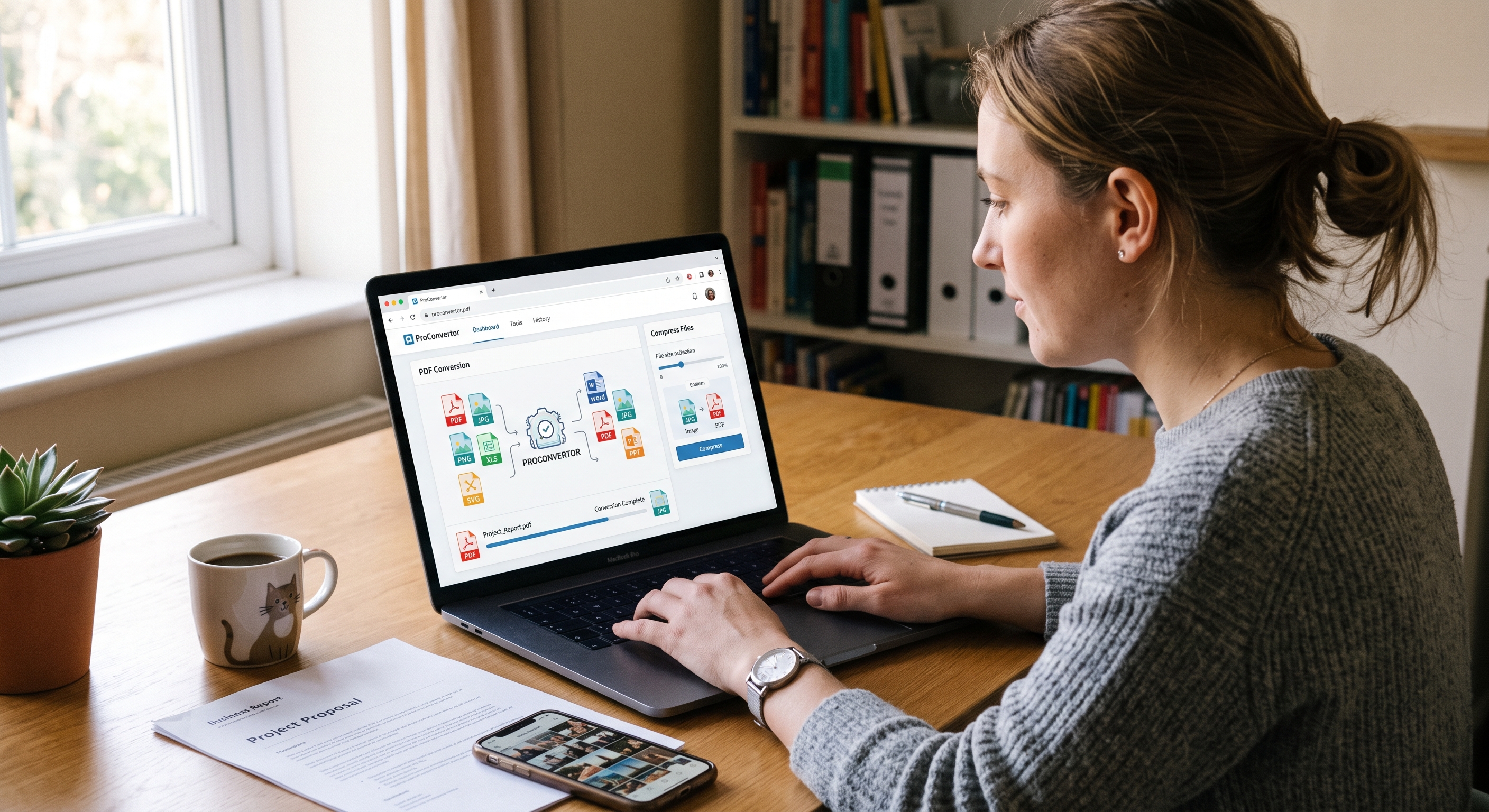
Working with different file formats is part of everyday work. You may need to convert a PDF into an image, turn an Excel spreadsheet into a PDF, or reduce the size of a large image before sharing it. Installing separate software for every task can take time and make simple work more difficult.
ProConvertor is designed to make these tasks easier. It provides online tools that help users convert, compress, edit, merge, and sign different types of files without needing complicated software.
What Is a ProConvertor?
ProConvertor is an online file conversion platform that provides tools for working with PDF, image, and Excel files. Users can access the tools through a web browser and complete common file conversion tasks quickly.
ProConvertor started in 2024 as a side project created to solve a simple problem: converting a Word file to PDF or reducing an image size should not require several different tools and a lot of time.
Today, ProConvertor provides online tools for users around the world. The platform is designed to make file conversion simple, fast, and accessible.
Why Use an Online File Converter?
Traditional file conversion often requires any software. This can involve downloading applications, installing updates, and using storage space on your device.
An online converter provides a simpler alternative. You can open the required tool in your browser, upload your file, complete the conversion, and download the result.
With ProConvertor, you can handle different file-related tasks from one platform instead of searching for a separate tool for every format.
What Can You Do With a ProConvertor?
ProConvertor provides several tools for common file conversion requirements.
Convert PDF Files
PDF files are commonly used for documents, reports, forms, and business information. However, sometimes you need the content in another format.
For example, you can use PDF to JPG to turn PDF pages into JPG images. If you need a transparent or higher-quality image format, PDF to PNG can convert PDF pages into PNG files. For vector graphics, PDF to SVG allows you to convert PDF pages into scalable SVG graphics.
You can also extract tables and information from PDFs with PDF to Excel, making the information easier to edit and manage in a spreadsheet.
Convert Images to PDF
Images are often easier to share when combined into a single document. With Image to PDF, you can convert JPG, PNG, and other supported image files into PDF documents. This can be useful when you need to combine multiple images into one shareable file. You can also use PNG to PDF to convert PNG images into PDF documents.
For vector graphics, SVG to PDF provides a convenient way to turn SVG files into PDF documents.
Convert Excel Files to PDF
Spreadsheets are useful for calculations and data management, but they are not always convenient for sharing.
With Excel to PDF, you can convert an Excel spreadsheet into a PDF while maintaining its layout and formatting. PDF files can be easier to share, print, and view across different devices.
Compress Images and PDFs
Large files can be difficult to upload, email, or share. ProConvertor provides Compress Image to help reduce the size of JPG, PNG, and other image files while maintaining visible quality.
The platform also provides Compress PDF for reducing PDF file sizes when you need smaller documents for sharing or uploading. Compressing files can help save storage space and make uploads faster.
Merge and Edit PDF Files
Managing multiple PDF files can also become time-consuming. With Merge PDF, you can combine multiple PDF documents into a single file. This can be useful when several documents need to be shared together.
ProConvertor also provides Edit PDF for users who need to make changes to PDF documents online. These tools help reduce the need to switch between different applications for basic PDF tasks.
Sign PDF Documents Online
Digital documents often need signatures before they can be completed or shared.
ProConvertor provides Sign PDF to help users sign PDF documents online. This can make document workflows more convenient when you do not want to print, sign, scan, and upload a document again.
Is ProConvertor Free?
ProConvertor offers free and paid options, depending on the tools and features required.
The platform is designed to provide accessible file conversion tools while also supporting users who need additional functionality.
For many common conversion tasks, users can access the required tool directly through the website without installing any software.
Do You Need to Create an Account?
Many conversion tasks can be completed without signing up. This makes ProConvertor convenient when you simply need to convert or process a file quickly.
For users who want account-based features, ProConvertor also provides account options for managing their activities and accessing additional functionality.
Who Can Use a ProConvertor?
ProConvertor can be useful for a wide range of users, including:
-
Students working with assignments and documents
-
Businesses managing reports and spreadsheets
-
Freelancers handling client files
-
Teachers preparing educational documents
-
Designers working with images and PDFs
-
Office professionals managing everyday files
-
Anyone who needs quick online file conversion
Because the tools work online, users can access them from supported devices through a web browser.
Why Choose ProConvertor?
The main goal of ProConvertor is to make file management easier.
Instead of installing different applications for different tasks, users can access multiple conversion and file management tools from one platform.
Some key benefits include:
-
Online access through a web browser
-
Free file conversion options
-
Multiple PDF conversion tools
-
Image conversion and compression
-
Excel and PDF conversion
-
PDF editing and merging
-
PDF signing
-
No complicated software installation
-
Simple and easy-to-use tools
Start Converting Files With ProConvertor
File conversion does not need to be complicated. Whether you need to convert a PDF to an image, turn an image into a PDF, reduce a file size, or work with Excel documents, having the right online tools can save time.
ProConvertor brings these common tasks together in one convenient platform. Instead of using multiple applications, you can choose the tool you need and complete the task online.
If you regularly work with PDFs, images, or spreadsheets, ProConvertor can provide a simple way to manage your everyday file conversion needs.
Start exploring ProConvertor today and find the right online file conversion tools for your next task.
Frequently Asked Questions
1. What can I use ProConvertor for in my daily work?
You can use ProConvertor for tasks such as preparing documents for sharing, converting files into different formats, reducing file sizes, and organizing PDF files.
2. Can I convert files without installing a any program?
Yes. ProConvertor works online, so you can access its conversion tools directly through your web browser without installing separate conversion software.
3. What should I do if a file is too large to share?
You can use an online compression tool to reduce the file size before uploading, emailing, or sharing it. This can make large files easier to handle.
4. Which file format should I choose when sharing a document?
PDF is often a convenient choice when you want to preserve the document's layout across different devices. For editable data, spreadsheet formats such as Excel may be more suitable.
5. Why would I convert a PDF into an image?
Converting a PDF page into JPG or PNG can be useful when you need to use the page as an image, add it to visual content, or share it in a format that is easier to view.
6. Can online file conversion save time?
Yes. Online tools can reduce the need to download different programs for individual tasks, allowing you to access several file-processing options from one place.