Converting files can be frustrating when you need to install software, deal with complicated settings, or switch between different applications. An online file converter can make the process much easier.
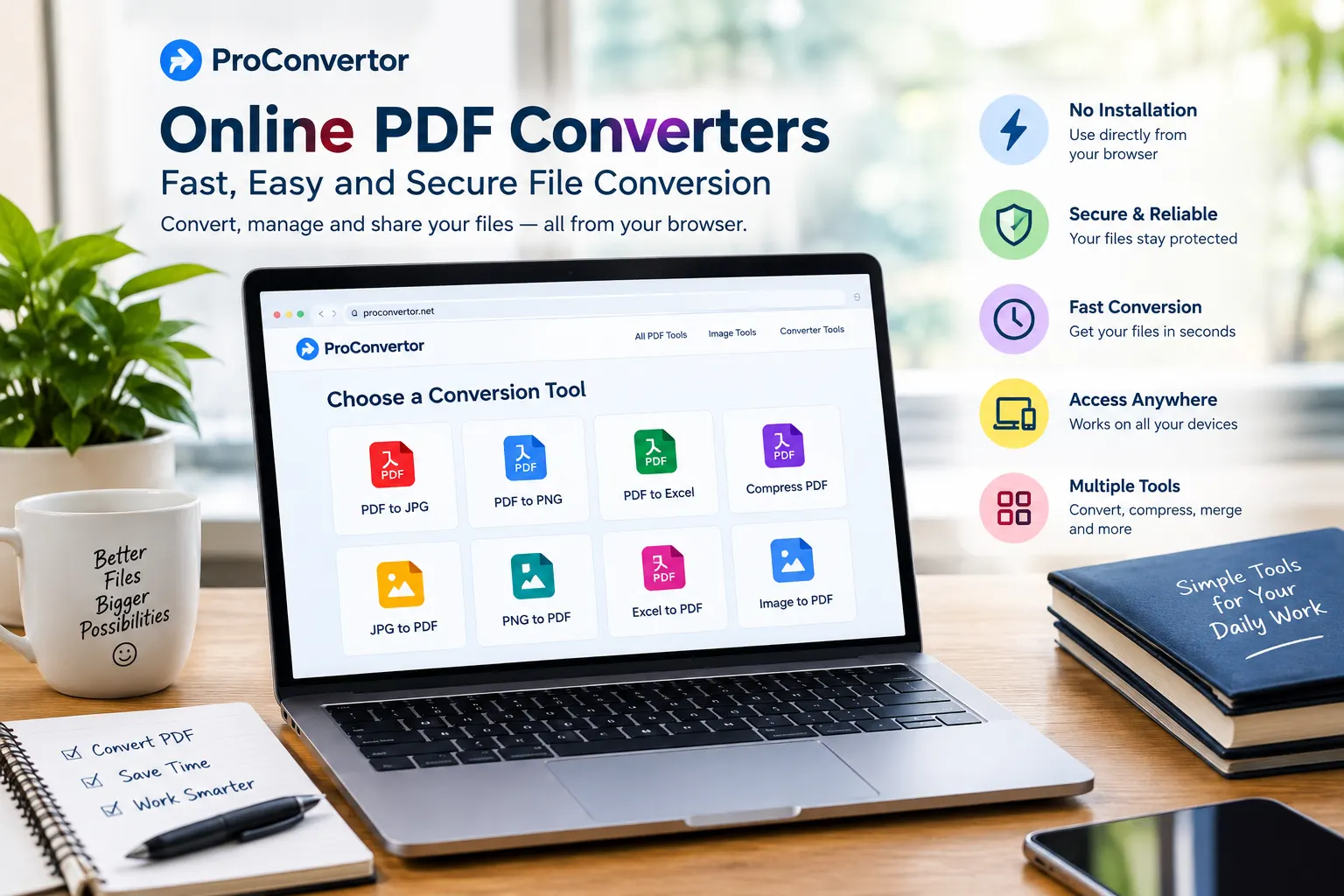
ProConvertor provides online tools for converting and managing different file types directly from your browser. Whether you need to convert an image to PDF, change a PDF into an image, or convert Excel files to PDF, you can complete the process without installing desktop software.
In this guide, we will explain how to use ProConvertor for fast and easy file conversion and how to choose the right tool for your needs.
What Is a ProConvertor?
ProConvertor is an online file conversion platform designed to make common document and image conversion tasks simple.
Instead of downloading separate applications for different file types, you can use online conversion tools from one place.
The platform includes tools for tasks such as:
-
JPG to PDF conversion
-
PNG to PDF conversion
-
SVG to PDF conversion
-
Excel to PDF conversion
-
PDF to JPG conversion
-
PDF to PNG conversion
-
PDF to SVG conversion
-
PDF to Excel conversion
-
Image to PDF conversion
-
Image compression
This makes it useful for students, professionals, businesses, and anyone who regularly works with digital files.
Why Use ProConvertor for File Conversion?
There are several reasons to use an online converter instead of traditional desktop software.
No Software Installation
One of the biggest benefits is convenience. You can access an online converter through a web browser without installing a separate application for every conversion task.
This can save time and storage space on your computer.
Simple Conversion Process
Most file conversion tasks follow a straightforward process. You select the appropriate tool, upload your file, process it, and download the result.
You do not need to understand complicated technical settings for basic conversions.
Access From Different Devices
Because the tools work online, you can use them from devices that have a compatible web browser and internet connection.
This can be useful when you are working from a different computer or need to convert a file while away from your main device.
How to Use ProConvertor for Fast and Easy File Conversion
Using ProConvertor is straightforward. The exact options may vary depending on the conversion tool, but the general process is similar.
Step 1: Choose the Right Conversion Tool
Start by identifying what you want to convert.
For example, if you have a large PDF file and need to reduce its size, choose the Compress PDF tool.
If you have a PDF and need an image, choose PDF to JPG or PDF to PNG, depending on the format you need.
Choosing the correct tool first helps you avoid unnecessary steps.
Step 2: Upload Your File
After opening the relevant conversion tool, upload the file you want to process.
Make sure you select the correct document or image from your device. If you are working with an important file, keep a copy of the original before starting the conversion.
Step 3: Start the Conversion
Once your file has been uploaded, start the conversion process.
The platform processes the file according to the selected conversion type. Processing time can depend on factors such as the file format, file size, and number of pages or images.
Step 4: Download the Converted File
After the conversion is complete, download the resulting file to your device.
Open the converted file and check that the content, formatting, images, and other important elements appear correctly.
How to Convert JPG to PDF With ProConvertor
Converting an image into a PDF is useful when you need to submit photographs, scanned documents, receipts, or other images as a PDF.
The basic process is simple:
-
Open the JPG to PDF tool.
-
Select your JPG image.
-
Upload the image.
-
Start the conversion.
-
Download the resulting PDF.
-
Check the PDF before sharing it.
You can use the same general process for PNG to PDF conversion when your source image is in PNG format.
How to Convert PDF to JPG
PDF files are convenient for sharing documents, but sometimes you need individual pages as images. With a PDF to JPG converter, you can turn PDF pages into JPG images for use on websites, presentations, social media, or other applications.
The process generally involves uploading your PDF, starting the conversion, and downloading the resulting JPG file.
If you need a different image format for your project, you can also use a PDF to PNG converter to turn PDF pages into PNG images.
How to Convert Excel to PDF
Excel spreadsheets are useful for calculations and data analysis, but you may want to share a finalized spreadsheet as a PDF.
Converting Excel to PDF can help preserve the presentation of your finished data and make the document easier to share.
To convert an Excel file:
-
Select the Excel to PDF tool.
-
Upload your Excel file.
-
Start the conversion.
-
Wait for processing to finish.
-
Download the PDF.
-
Review the pages and tables.
This can be particularly useful for reports, invoices, financial documents, and business information.
How to Convert PDF to Excel
Sometimes you receive a PDF containing tables or structured information but need to work with the data in a spreadsheet.
In this situation, a PDF to Excel converter can help turn the information into an editable spreadsheet format.
After conversion, always review the spreadsheet carefully. Tables, columns, numbers, and formatting may require adjustments depending on how the original PDF was created.
How to Convert Images to PDF
If you have multiple images that need to be presented as documents, converting them to PDF can make sharing easier.
This can be useful for:
-
Scanned documents
-
Receipts
-
Forms
-
Photos
-
Product information
-
School assignments
-
Business records
Select the appropriate image to PDF tool, upload your image, process the file, and download the resulting PDF.
How to Compress Images With ProConvertor
File conversion is not the only reason to use an online file tool. Large images can also be compressed to reduce their file size.
Image compression can be useful when you need to:
-
Upload images to a website
-
Send images by email
-
Save storage space
-
Reduce image file size
-
Improve webpage loading performance
If your images are too large, an image compressor can help reduce their file size while making them easier to upload, store, and share.
Always check the final image to make sure the quality remains suitable for your intended use.
Tips for Faster File Conversion
You can make the conversion process smoother by following a few simple practices.
Choose the Correct Format
Think about how you will use the converted file before selecting the output format.
For example, JPG is commonly suitable for photographs, while PNG can be useful for graphics and images requiring transparency. PDF is often better when you want to share a finished document.
Keep Your Original File
Always keep the original document or image when possible. If you need to make another conversion later, you can work from the original rather than repeatedly converting an already processed file.
Check the Converted File
Do not immediately share the converted file without checking it.
Look for:
-
Missing text
-
Incorrect formatting
-
Distorted images
-
Missing pages
-
Incorrect tables
-
Changes in layout
A quick review can help you catch conversion problems before sending the file to someone else.
Use a Stable Internet Connection
Because ProConvertor is an online service, a stable internet connection can make uploading and downloading files smoother, especially when working with larger documents.
Who Can Use a ProConvertor?
ProConvertor can be useful for different types of users.
Students
Students may need to convert assignments, scanned notes, images, and documents into specific formats for submission.
Professionals
Professionals can use file conversion tools when preparing reports, presentations, spreadsheets, invoices, and other business documents.
Businesses
Businesses often work with different file formats every day. Online conversion tools can simplify routine tasks without requiring separate software for every format.
Everyday Users
You do not need to be a technical expert to use an online file converter. If you occasionally need to change a file from one format to another, an online tool can provide a convenient solution.
Why Online File Conversion Is Convenient
Traditional file conversion may require downloading and installing dedicated software. This can take time and may be unnecessary if you only need to perform a simple conversion.
Online conversion removes much of that setup. You can open the required tool, upload your file, convert it, and download the result.
This makes online conversion especially useful for quick, one-time tasks.
Final Thoughts
ProConvertor makes file conversion simple by bringing common PDF and image tools together in one online platform. Instead of installing different applications for different tasks, you can use your browser to convert, manage, and compress files.
Whether you need to convert JPG to PDF, PDF to JPG, Excel to PDF, PDF to Excel, or compress an image, the basic process remains simple: choose your tool, upload your file, start the conversion, and download the result.
For the best results, always select the correct output format, keep a copy of your original file, and check the converted document before sharing it.
Need another file conversion option? Explore all ProConvertor tools on our converter page and find the right tool for your needs.
Frequently Asked Questions
Is ProConvertor free to use?
The availability and limits of individual ProConvertor tools may vary. Check the relevant tool page for the current options and usage details.
Do I need to install software to use ProConvertor?
No desktop installation is required for browser-based file conversion. You can access the available tools online through a web browser.
What files can I convert with ProConvertor?
ProConvertor provides tools for several common PDF, image, and spreadsheet conversions, including JPG, PNG, SVG, PDF, and Excel formats.
Can I convert JPG to PDF with ProConvertor?
Yes. The JPG to PDF tool is designed to convert JPG images into PDF documents through an online conversion process.
Can I convert PDF to JPG?
Yes. You can use the PDF to JPG tool to convert PDF pages into JPG images.
Can I convert PDF to Excel?
Yes. ProConvertor provides a PDF to Excel conversion option for turning suitable PDF data into an Excel spreadsheet.
Can I convert Excel to PDF?
Yes. The Excel to PDF tool can be used when you want to turn an Excel spreadsheet into a PDF document for easier sharing or presentation.
Do I need technical knowledge to use ProConvertor?
No. The basic conversion process is designed to be simple. You generally need to select a tool, upload your file, start processing, and download the result.
Should I keep my original file before converting it?
Yes. Keeping the original file is a good practice. It gives you a backup if you need to perform another conversion or recover the original version later.
How can I get the best result from a file converter?
Use the correct conversion tool, start with a good-quality original file, avoid unnecessary repeated conversions, and check the converted file before using or sharing it.