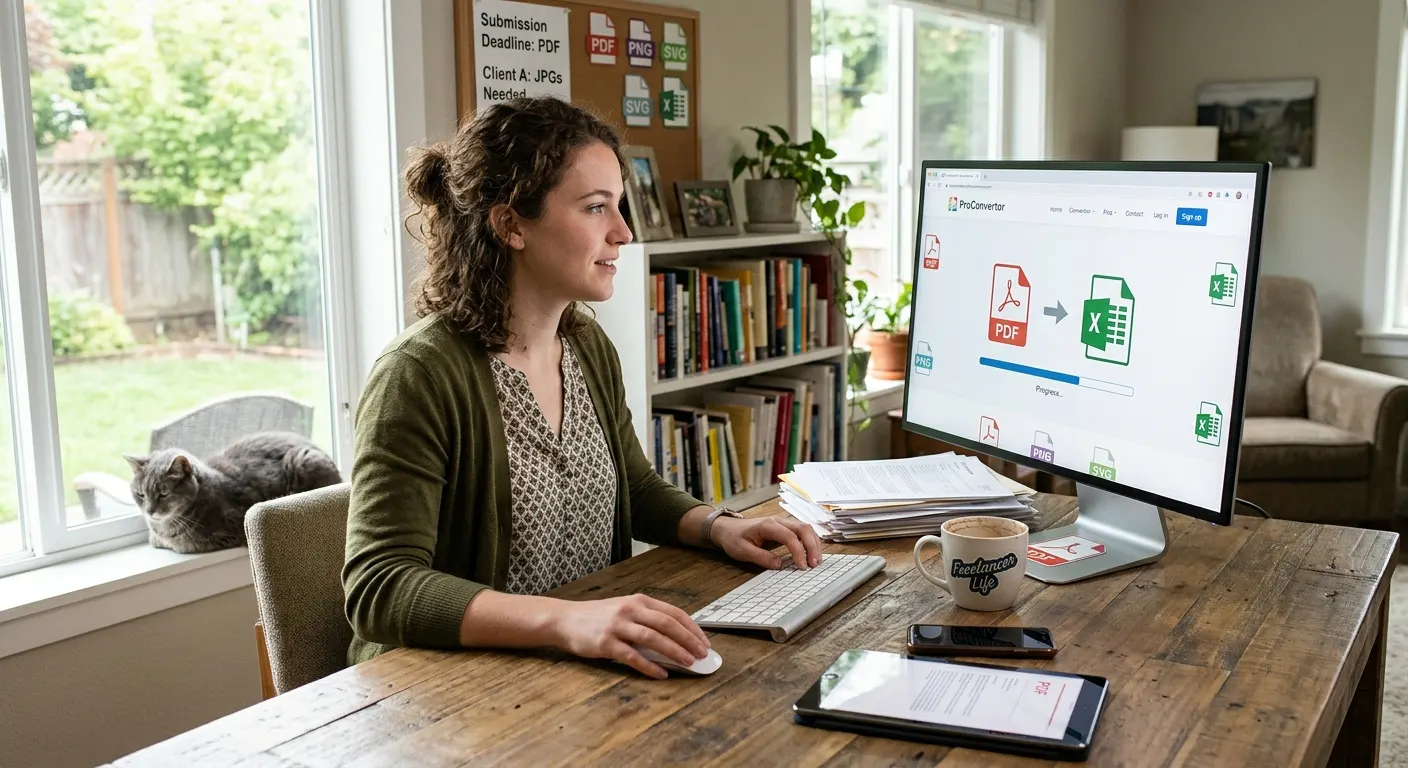
Digital files are now part of almost every type of work. Students submit assignments as PDFs, businesses share reports and spreadsheets, freelancers exchange documents with clients, and teams regularly work with images and presentations.
However, different tasks often require different file formats. A document may need to be converted to PDF, an image may need to be resized, or information from a PDF may need to be moved into a spreadsheet.
This is where online file converters have become useful. Instead of installing separate software for every task, users can access conversion tools directly through a web browser.
What Are Online File Converters?
Online file converters are web-based tools that allow users to change files from one format to another.
For example, a user might convert:
-
PDF to JPG
-
PDF to Excel
-
PNG to PDF
-
SVG to PDF
-
Excel to PDF
-
Images into different formats
The main advantage is convenience. You can access the required tool online instead of installing a separate program for each conversion.
Why Are Online File Converters Becoming Important?
They Save Time
Time is important when working with digital files. Downloading software, installing it, creating an account, and learning how it works can make a simple conversion take longer than necessary.
Online converters provide a more direct approach. You can open the required tool, upload your file, and complete the conversion.
They Reduce the Need for Multiple Programs
Different file formats often require different software. Managing several applications can take up storage space and make your workflow more complicated.
An online platform such as ProConvertor brings multiple file-related tools together, making it easier to handle different tasks from one place.
They Are Useful for Remote Work
Many people now work from different locations and devices. Online tools can be useful because they can be accessed through a browser rather than being tied to one computer with specific software installed.
This can make file conversion more convenient when working from home, an office, or while travelling.
Online Converters for Everyday Business Tasks
Businesses work with many different types of files every day.
Reports may be created in spreadsheets, documents may need to be shared as PDFs, and images may need to be compressed before being uploaded.
For example, PDF to Excel can be useful when information from a PDF needs to be worked with in a spreadsheet.
Similarly, PDF to JPG can help when PDF pages need to be used as image files.
These tools can make routine file management easier without requiring a separate application for every task.
Online File Conversion for Students
Students regularly work with assignments, presentations, research documents, and images.
A teacher may request an assignment in PDF format, while research information may be available in another file type.
Online converters can help students prepare files in the format required for submission or sharing.
Because the tools are available online, students can avoid installing software that they may only need for occasional tasks.
Useful for Freelancers and Content Creators
Freelancers often receive files from different clients. One client may send a PDF, while another may provide images or spreadsheets.
Content creators may also need to convert images into different formats or reduce their size before uploading them.
For example, Compress Image can help reduce image file sizes before they are uploaded to websites, sent by email, or shared with clients.
Easier File Sharing
Large files can sometimes be difficult to send or upload.
Compressing a file before sharing it can make the process easier. Smaller files may require less storage and can be more convenient for email attachments and online uploads.
Online file converters and compression tools can therefore become useful parts of a regular digital workflow.
Why ProConvertor Can Be Useful
ProConvertor brings several file conversion and management tools together in one online platform.
Users can work with PDF, image, and Excel files without needing to search for a separate tool for every task.
The platform includes tools for:
-
PDF conversion
-
Image conversion
-
Excel conversion
-
Image compression
-
PDF compression
-
PDF merging
-
PDF editing
-
PDF signing
This makes ProConvertor useful for people who regularly work with different file formats.
Online Converters Can Simplify Everyday Work
The growing use of digital documents means file conversion is no longer an occasional task for many people. It can be part of everyday work.
Whether you are preparing a report, submitting an assignment, sending files to a client, or uploading images to a website, having access to the right conversion tool can save time and simplify the process.
Instead of installing several programs, users can access online tools when they actually need them.
Are Online File Converters Right for Everyone?
Online converters are particularly useful for quick and routine file tasks. However, advanced users may still prefer desktop applications for complex editing, specialized workflows, or offline work.
The right choice depends on the task.
For a simple conversion, an online tool can often provide a faster and more convenient solution.
The Future of Everyday File Management
As more work moves online, simple and accessible digital tools are becoming increasingly important.
People want to complete routine tasks without spending unnecessary time installing software or learning complicated programs.
Online file converters meet this need by providing quick access to tools for different file formats.
ProConvertor follows this approach by bringing common file conversion and management tasks together in one online platform.
Make Everyday File Work Easier With ProConvertor
File conversion may seem like a small part of your daily workflow, but having the right tool can save time when these tasks come up repeatedly.
From converting documents and images to compressing and managing PDFs, online tools can make everyday file work more convenient.
If you regularly work with different file formats, Try ProConvertor for Free and explore the tools available for your everyday needs.
Frequently Asked Questions
Why do people use online file converters?
People use online converters to complete file conversion tasks without necessarily installing separate software for different formats.
Are online converters useful for small tasks?
Yes. They can be particularly convenient when you only need to perform a quick conversion and do not want to install a program for occasional use.
Can online converters improve a digital workflow?
They can simplify routine tasks by providing quick access to different conversion tools from one platform.
When should I compress a file?
Compression can be useful when a file is too large for convenient uploading, emailing, storing, or sharing.
Why are different file formats important?
Different formats are designed for different purposes. Some are better for editing, while others are more suitable for sharing, printing, or displaying content.
Will online file converters replace desktop software?
Not necessarily. Online converters are convenient for many routine tasks, while desktop software can remain useful for advanced features and offline workflows.