PDF files are widely used for documents, reports, forms, presentations, and other types of information. However, there are times when you need to use a PDF page as an image.
In these situations, two of the most common choices are JPG and PNG. Both formats can be created from a PDF, but they are designed for different purposes.
So, should you convert your PDF to JPG or PNG?
The answer depends on what you plan to do with the converted image.
What Is PDF to JPG Conversion?
PDF to JPG conversion changes PDF pages into JPG image files. JPG is a popular image format that uses compression to keep file sizes relatively small.
This makes JPG useful when you need an image that is easy to upload, share, email, or use online. For example, if you need to quickly share a PDF page as an image, converting it to JPG can be a practical option.
What Is PDF to PNG Conversion?
PDF to PNG conversion changes PDF pages into PNG image files. PNG uses lossless compression, which means it can preserve more image detail compared with a compressed JPG. It is particularly useful for graphics, screenshots, text, and images where clarity is important.
If maintaining image quality is more important than keeping the file size small, PNG may be the better choice.
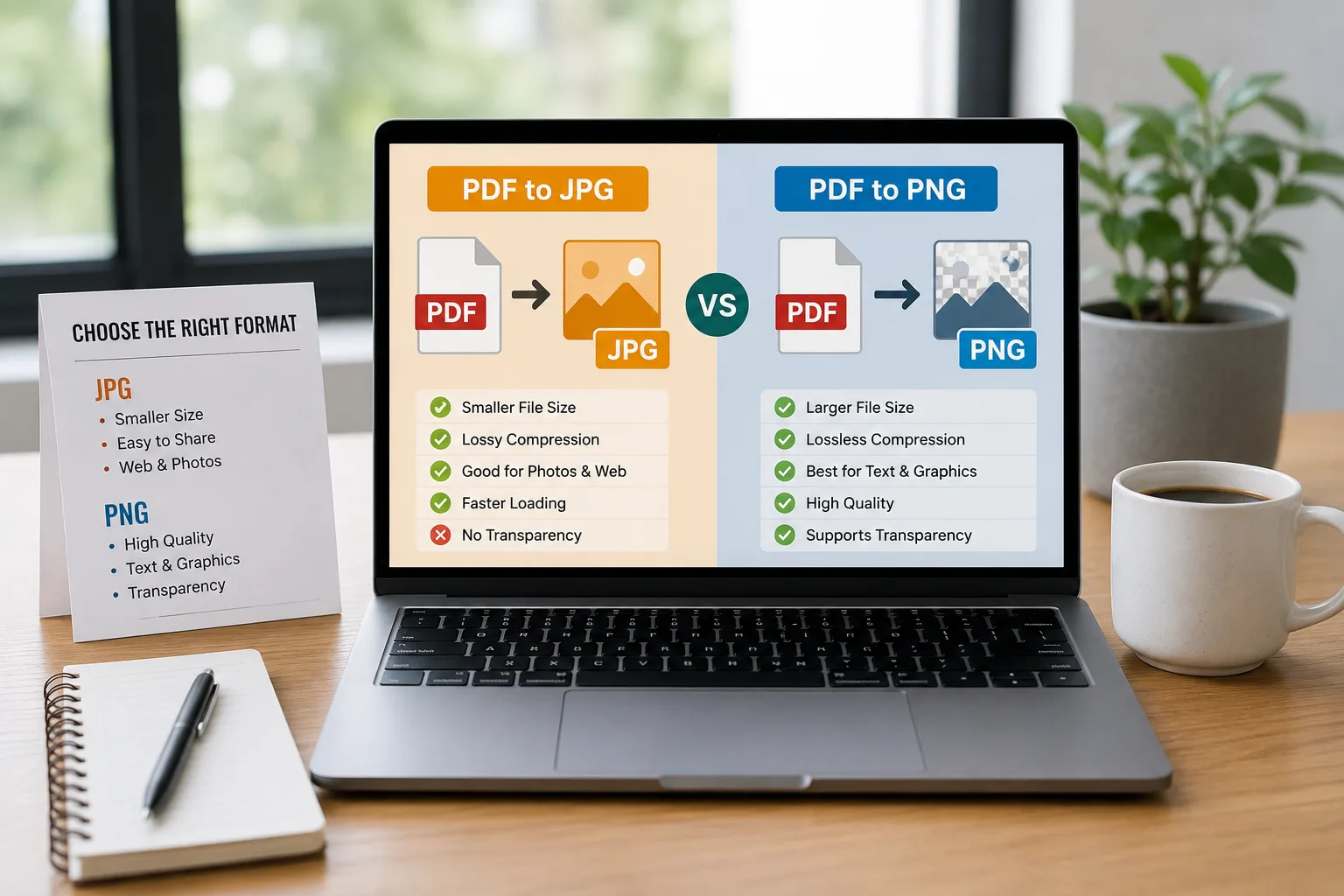
PDF to JPG vs PDF to PNG
The main difference comes down to file size and image quality.
|
Feature |
PDF to JPG |
PDF to PNG |
|
File size |
Usually smaller |
Usually larger |
|
Compression |
Lossy |
Lossless |
|
Image quality |
Good |
High |
|
Best for |
Web, email, sharing |
Text, graphics, screenshots |
|
Loading speed |
Generally faster |
Can be slower |
|
Transparency |
Not supported |
Supported |
|
Editing graphics |
Less suitable |
More suitable |
When Should You Choose JPG?
JPG is usually a good choice when file size matters.
For Websites
If you need to upload PDF pages as images to a website, JPG can be useful because the smaller file size can help reduce storage and loading requirements.
For Email and Sharing
Smaller images are generally easier to attach and share. If you are sending several converted pages, JPG can help keep the overall file size manageable.
For Photos and Detailed Images
JPG works particularly well for photographic content and images with many colors.
When You Need a Smaller File
If the original PDF contains pages with large images, converting them to JPG can provide a more manageable image file.
When Should You Choose PNG?
PNG is a better option when preserving detail is your main priority.
For Text and Screenshots
PNG can maintain sharp edges around text and interface elements, making it useful for screenshots and document pages.
For Graphics
Logos, diagrams, illustrations, and other graphics can benefit from PNG's lossless compression.
When Quality Matters
If you plan to edit the converted image or need to preserve as much detail as possible, PNG can be a better choice.
When Transparency Is Needed
PNG supports transparency, while JPG does not. This makes PNG more suitable for certain graphic design tasks.
Which Format Has Better Quality?
In general, PNG provides higher image quality because it uses lossless compression.
JPG uses lossy compression. This means some image information is removed to reduce the file size.
However, that does not mean JPG always looks poor. For many everyday uses, a good-quality JPG can look perfectly clear while being significantly smaller than a PNG.
Therefore, the best choice depends on your purpose.
Which Format Has a Smaller File Size?
JPG usually produces smaller files than PNG. This can be useful when you need to upload images to a website, send them through email, or share them online.
PNG files can be larger because they preserve more information from the original image. If storage and sharing speed are important, JPG is often the more practical choice.
PDF to JPG for Online Sharing
If your main goal is to share a converted PDF page online, JPG can be a good option.
For example, you might want to:
-
Share a document page on social media
-
Add a PDF page to a website
-
Send an image through email
-
Upload an image where file size is limited
-
Create a quick preview of a document
In these situations, the smaller JPG file size can be helpful.
PDF to PNG for High-Quality Images
PNG can be more suitable when the converted page contains text, diagrams, screenshots, or detailed graphics.
For example, if you need to use a document page in a presentation and want the text to remain sharp, PNG can be a useful choice. It is also a good option when you plan to edit the image after conversion.
How to Choose Between JPG and PNG
Ask yourself what matters most.
Choose JPG if:
-
You need a smaller file.
-
You plan to share the image online.
-
You are sending the image through email.
-
You need a practical format for websites.
-
The image contains photographs or complex colors.
Choose PNG if:
-
Image quality is your priority.
-
The page contains lots of text.
-
You are working with graphics or screenshots.
-
You want lossless compression.
-
You need transparency.
How to Turn a PDF Into JPG or PNG Online
You do not need complicated software for a basic conversion.
With ProConvertor, you can use an online PDF to JPG tool when you need JPG images from your PDF.
If you need PNG instead, the PDF to PNG tool can convert PDF pages into PNG images.
The general process is simple:
-
Open the required conversion tool.
-
Upload your PDF.
-
Start the conversion.
-
Download the converted image.
This can be more convenient than installing separate PDF conversion software.
PDF to JPG vs PDF to PNG: Which One Is Better?
Neither format is universally better. JPG is generally better for smaller files, online sharing, and everyday use. PNG is generally better when image quality, text clarity, graphics, or lossless compression are more important.
Think about how you will use the converted image before choosing the format. If you need a lightweight image, JPG is often the better choice. If you need maximum detail, PNG may be the better option.
Convert Your PDF With ProConvertor
Choosing the right image format can make your files easier to share, upload, and use.
Whether you need a smaller JPG or a high-quality PNG, ProConvertor provides simple online conversion tools that can help you process your PDF files. Try ProConvertor for Free and choose the PDF conversion tool that fits your needs.
Frequently Asked Questions
Does converting PDF to JPG reduce quality?
JPG uses lossy compression, so some image information may be reduced. However, a properly converted JPG can still provide good visual quality for everyday use.
Is PNG better for PDF pages with text?
PNG can be a good choice for pages containing text because its lossless compression can help preserve sharp details.
Why is my PNG file larger than my JPG?
PNG generally preserves more image information, which can result in larger file sizes compared with JPG.
Can I use JPG and PNG images on a website?
Yes. Both formats are widely supported on websites. The best choice depends on the type of image and your file-size requirements.
Should I use JPG or PNG for a document screenshot?
PNG is often a better choice for screenshots because it can preserve sharp text and interface details without lossy compression.